

What PropelMapper connects to today
PropelMapper connects to your mailbox, your calendar and the files you already keep.

Mail, calendar and files
This page lists only what works today. Most of what a field team needs to move is files: the boundary a client sends over, the contact list from the last system, the report that goes out after the visit. The rest is mail and the calendar, which is where clients ask their questions and where the week gets planned.
Calendar
- Calendar subscriptionA personal link that puts your visits and tasks in Google Calendar, Outlook or Apple Calendar.
Files in
- Boundary filesZipped shapefile, KML, KMZ, GeoJSON or CSV, up to 20 MB, with a preview before anything is saved.
- Contact listsA CSV of names, emails, phones, roles and notes, up to 1,000 contacts in one file.
Files out
- ReportsEach signed report as a PDF and a Word file, sent to the client or downloaded.
- Readings and contactsThe Metrics grid as CSV or Excel, and your contacts as CSV, whenever you want them.
Visits and tasks on the calendar
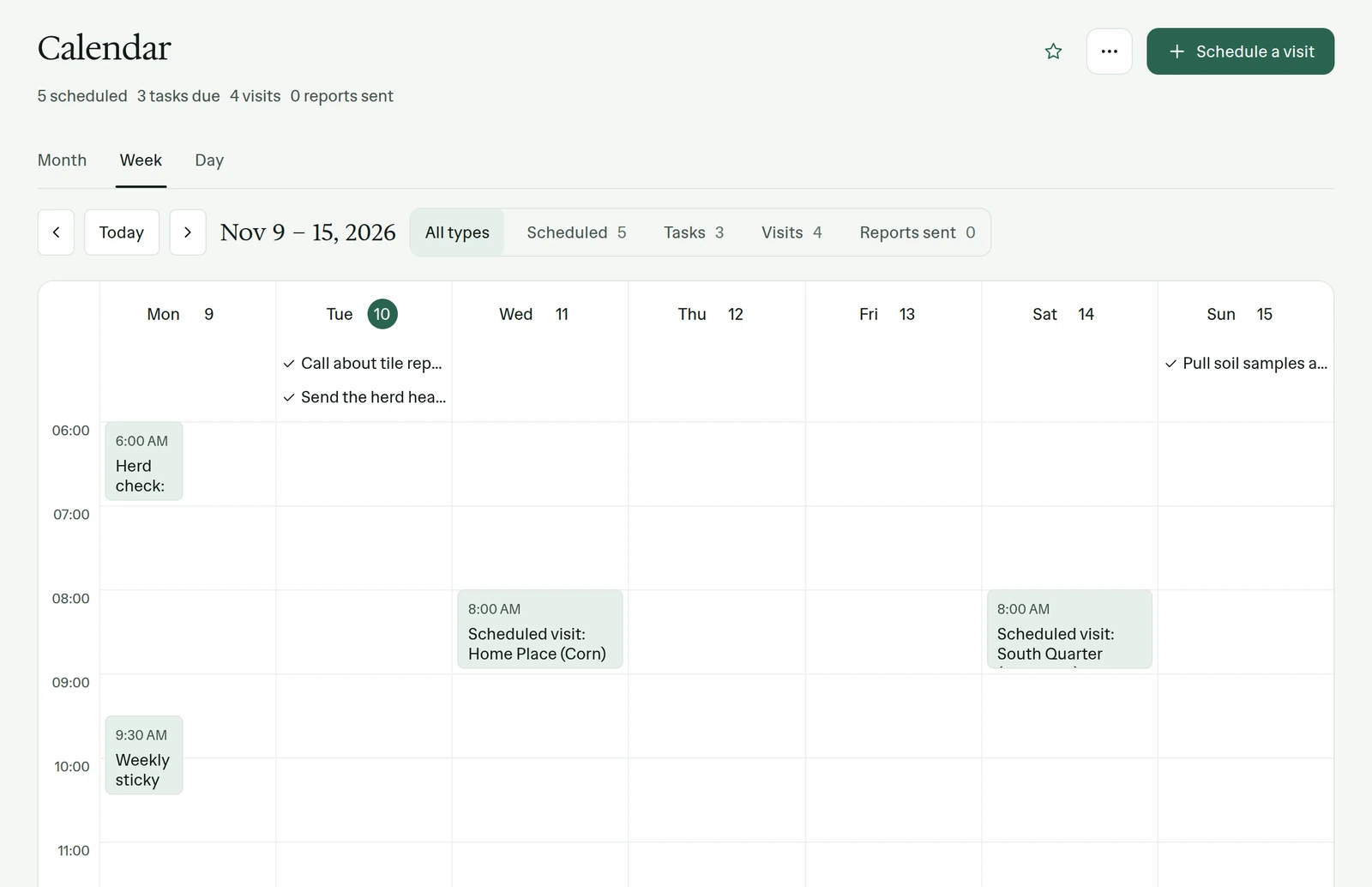
Example account: Prairie Agronomy
What is not connected
There is no customer API and there are no webhooks today, and PropelMapper doesn’t sync with farm management, accounting or CRM software. Records move in and out through the files listed here, and you don’t need to ask us to run any of them.
If a connection you need is missing, tell us what it would save you. We would rather hear about the real workflow than guess at it.
Start with the mailbox you use most
Start 45 days free, import one boundary file, and ask us to switch on email sync for your team.