

IntegrationsOutlook
Outlook messages filed with each client’s places
PropelMapper reads your Outlook or Microsoft 365 mailbox, keeps only the mail to and from your client contacts, and files it on their places, so the next visit starts with what they asked.

The address is the match
If your practice runs on Microsoft 365, the office books visits in Outlook and clients write to whoever came out last. Once you connect Outlook, PropelMapper looks at the addresses on each new message every five minutes. If one belongs to a contact, the message is filed on that contact’s places. If none does, it is skipped and never stored.
That makes the contact list the thing to get right. A producer who writes from a personal address and from the farm office needs both addresses on their contact. The Contacts page shows each person’s email and phone, how many places they are linked to and when you last heard from them, so a missing address is easy to spot.
Before the herd visit you open the dairy, and the producer’s question about the fresh cows is there with the herd’s recent reports. In the barn you answer it in your own words, and the report you send afterward closes the question in writing.
Producer’s question: what you said and what the report says
“Fresh pen, freestall barn one. The producer emailed last week asking whether the fresh cows look thin. Most of the pen looks where it should. Two thin cows, flagged by ear tag, photos of both.”
Producer’s question - Fresh pen
At a glance
The producer asked by email whether the fresh cows looked thin. At the visit most cows in the fresh pen were in the expected condition. Two thin cows were flagged by ear tag, with photos.
Both cows will be checked again at the next herd visit.
Observations
The producer asked by email whether the fresh cows looked thin. At the visit most cows in the fresh pen were in the expected condition. Two thin cows were flagged by ear tag, with photos.
Both cows will be checked again at the next herd visit.
After your review
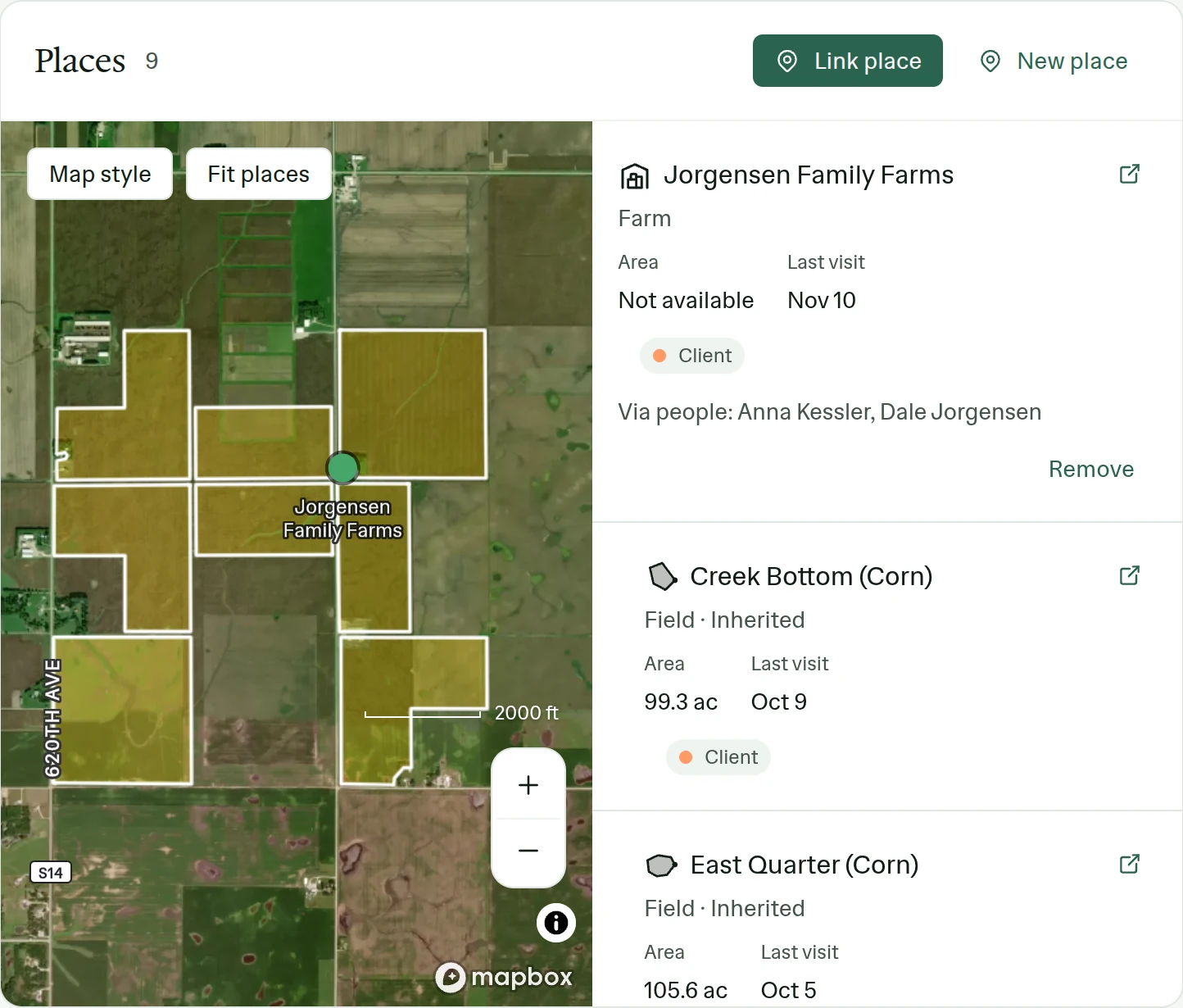
Example account: Prairie Agronomy
Connecting a Microsoft mailbox
Email sync is switched on for each team by our support team. After that, each person opens Settings, Integrations, picks Outlook and signs in with Microsoft. Work accounts on Microsoft 365 and personal Outlook addresses both connect there. Access is read-only, one mailbox per person.
Some Microsoft 365 organizations require an administrator to approve a new app before anyone can sign in to it. If the Microsoft sign-in asks for approval, your IT administrator grants it once for the organization.
Your visits and tasks inside the Outlook calendar
Mail and calendar are separate. Settings, Integrations also holds a personal calendar link. Subscribe to it in Outlook, Google Calendar or Apple Calendar, and your PropelMapper visits and tasks appear among your other appointments. The link is personal: keep it private, and make a new one if it is ever shared by mistake.
A subscribed calendar is read-only. An appointment you add in Outlook stays in Outlook; schedule visits and tasks in PropelMapper and they show up in the subscription.
Limits worth knowing
PropelMapper doesn’t send or reply from your mailbox, move or delete messages, or keep mail from people outside your contacts. Disconnecting stops the reading, and mail already filed stays on the places. Microsoft and Google mailboxes are the only ones that connect today.
Who it’s for
For veterinarians, nutritionists, advisors and survey firms whose office runs on Microsoft 365, and whose clients send their questions to whoever visited last.