

ProductChecklists and forms
Inspection checklists inside a recorded visit
PropelMapper checklists list the readings and checks an inspection must cover, in the order you walk them, and the field app ticks them off while your voice notes capture everything the form never asked about.

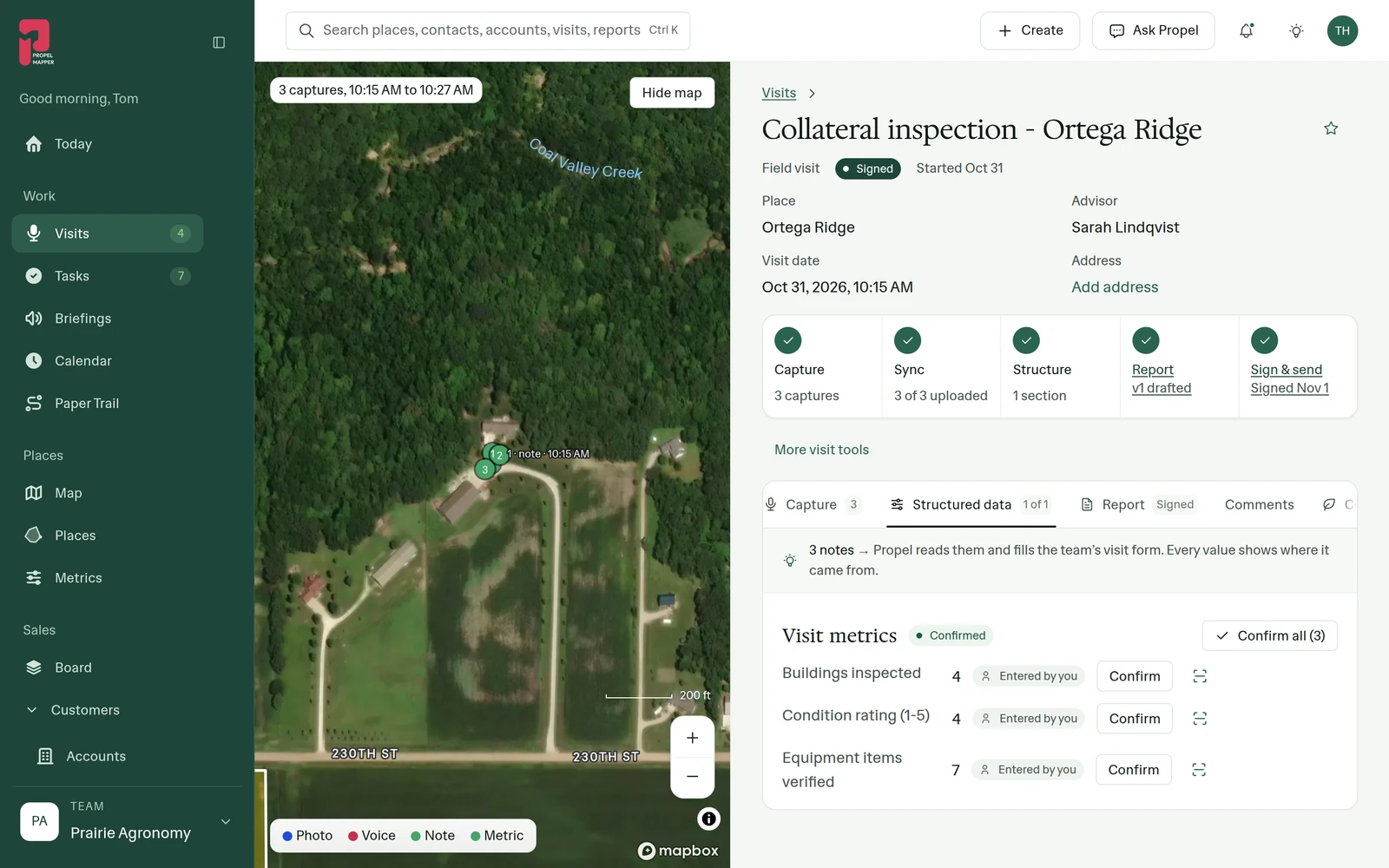
A collateral inspection with a checklist
Sarah is inspecting a farm that secures a loan. The lender wants the same things every time: how many buildings were inspected, a condition rating from one to five, how many items of equipment were verified against the schedule. Miss one and the file comes back.
Her team built a Collateral inspection checklist in Settings with those three readings, marked required, in the order she walks the place. She starts it on the visit, and the phone shows what is left. When she leaves, nothing required is blank.
What the checklist does not cover, she says. The grain bin with a new crack in the ring. The equipment shed the owner mentioned they plan to sell. Those go into voice notes, and they end up in the report as findings, next to the numbers the form demanded.
Collateral inspection: what you said and what the report says
The collateral inspection at Ortega Ridge, with the checklist readings confirmed and one finding the form did not ask for.
“Four buildings inspected. Condition about a four overall. Seven pieces of equipment checked against the schedule, all there. The south grain bin has a new crack in the second ring, photographing it now.”
Collateral inspection - Ortega Ridge
At a glance
Buildings inspected: 4. Condition rating: 4 of 5. Equipment items verified: 7, all present.
Finding: a new crack in the second ring of the south grain bin (photo).
Observations
Buildings inspected: 4. Condition rating: 4 of 5. Equipment items verified: 7, all present.
Finding: a new crack in the second ring of the south grain bin (photo).
After your review
Example account: Prairie Agronomy
Building a checklist in Settings
An admin opens Settings, Checklists, names the checklist and adds items. Each item is one of the team's readings, so the answer lands in Metrics with every other reading of its kind. An item can be a number with a range, a yes or no, a pick from a list, a month or free text.
Each item can carry instructions for the person filling it in, like count plants in 10 feet of row, two rows. Mark the ones that must be filled as required and put them in the order you walk. Switch a checklist on and people can start it on a visit; switch it off and it disappears from the list.
If a checklist has already been used on a visit, deleting it switches it off instead, so the answers already given stay with those visits. An auditor asking about last March's inspection will find exactly the form that was filled.
Checklist items filled from voice readings
Most inspection software is a long form with a notes box at the bottom. The notes box is where the important things go to be ignored. We built PropelMapper the other way round: the visit is what you saw and said, and the checklist is a short list of what must not be forgotten.
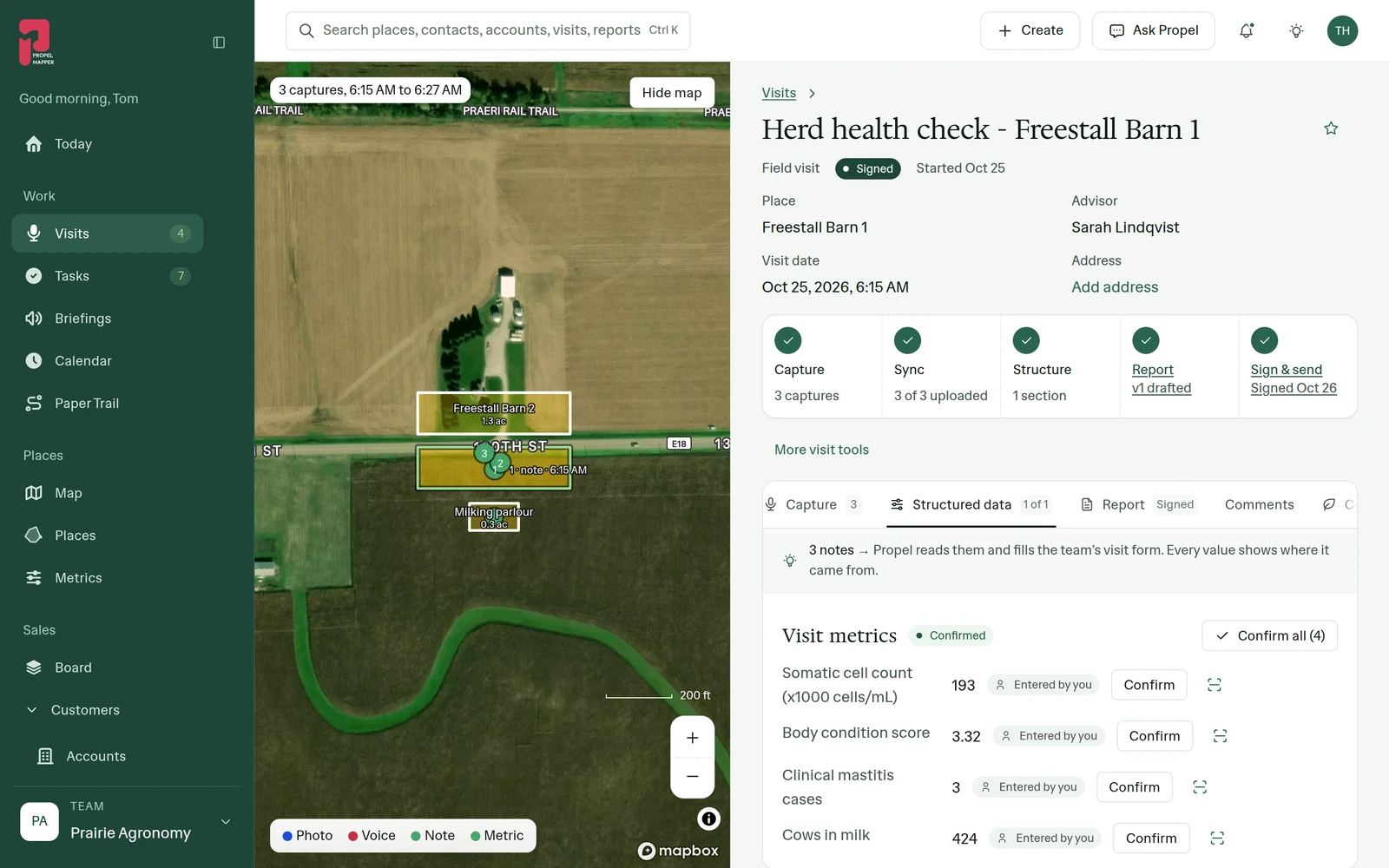
Readings you say out loud get pulled into the same fields the checklist uses, and you confirm them. If you say there were four buildings inspected, you do not also have to type it.
In the app
Example account: Prairie Agronomy
Questions about checklists and forms
Can a checklist be required on every visit?
Items inside a checklist can be required. Whether a checklist is offered when someone starts a visit is switched on or off per checklist by an admin.
Do checklists work without signal?
Yes. Checklists are filled in the field app and saved on the phone with the rest of the visit until it uploads.
Who it’s for
Lender and collateral inspectors, food safety and organic inspectors, pest control technicians and anyone else whose visit has a list of things that must be checked every time, in a set order.