

ProductVoice capture
Voice notes become your field visit report
PropelMapper voice capture lets you describe the visit in your own words.

Soil sampling voice note example
You finish pulling soil cores in Marcy Quarter and say the sample depth into your phone before moving on. You name the field, describe the sampling grid and mention the wet corner you want to discuss with the grower. You can speak in the order you notice things.
The recording saves with the visit, time and location. Without service it stays on the phone until you reconnect. After it uploads, we transcribe your words, put readings into the visit form and prepare a draft of your report.
You listen again if a sample depth, hybrid name or field name looks wrong. The original recording remains available while you correct the wording and add your interpretation.
The grower receives the report you have read and signed.
Soil sampling: what you said and what the report says
“Marcy Quarter. Soil samples on a two-and-a-half-acre grid, eight inches deep. Results are still pending. I want to discuss the wet corner when we have them.”
Prairie Agronomy
Soil sampling - Marcy Quarter
Marcy Quarter (Soybeans)
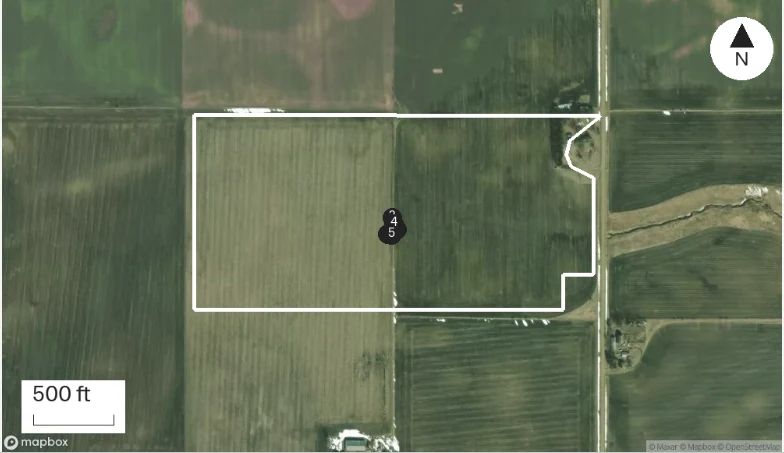
At a glance
Soil samples were collected on a 2.5-acre grid at an 8-inch depth. Results are pending.
The wet corner will be discussed alongside the soil results when they arrive.
Observations
Soil samples were collected on a 2.5-acre grid at an 8-inch depth. Results are pending.
The wet corner will be discussed alongside the soil results when they arrive.
After your review
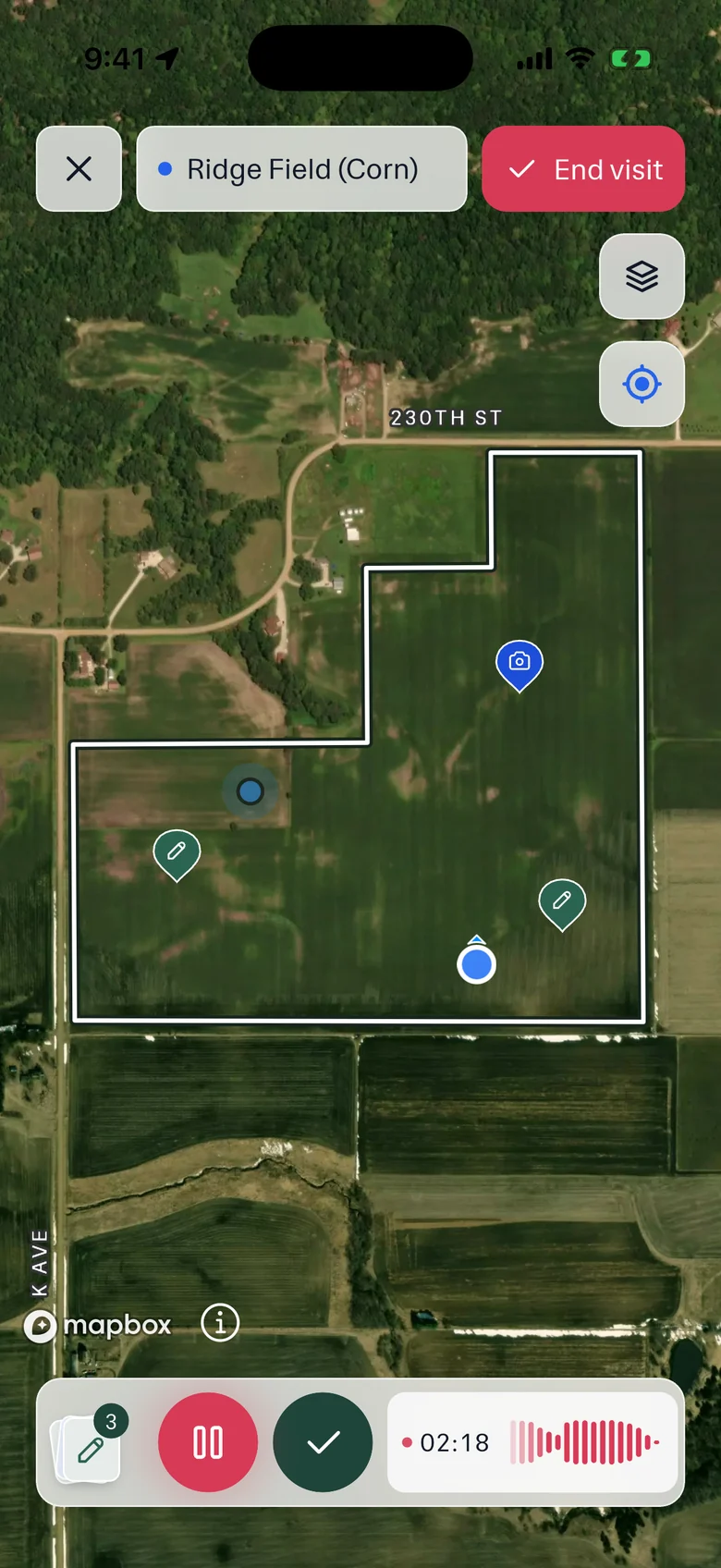
Example account: Prairie Agronomy
Custom vocabulary for crop terms
We think vocabulary is most of what makes a transcript usable in agriculture. A field note full of hybrid numbers, product names, growth stages and the grower's own names for fields is unreadable if half of it comes out wrong. So PropelMapper keeps a team vocabulary in Settings, under Terms.
Add the words your team uses: the field called the Old Home Eighty, the hybrid you plant on most acres, the herbicide you always mispronounce. PropelMapper also suggests terms it has noticed, and an admin reviews each suggestion before it is shared with the whole team. From then on recognition and report writing both use it.
What to say in a useful field note
A voice note works well when it includes the details you would otherwise have to reconstruct at the office. Name the farm or field, describe the stop and say what you are looking at. You do not need to deliver a polished paragraph. We use the uploaded recording to prepare text and organize the visit; you can make the wording suitable for the client during review.
For a measured observation, say the value, unit and method together. A count needs the area, length or group counted. A sample needs the location and collection details that will matter when you read the result. Speaking those details at the stop helps distinguish a measured value from a rough estimate or a comment from the grower.
Describe what you can see before explaining what you think it means. At Marcy Quarter, the wet ground and yellow plants are observations. The reason for the yellowing is a question for the advisor to investigate. If you are waiting for a test or another visit, say so. The draft should preserve that uncertainty rather than making the finding sound settled.
Record the conversation as a conversation: who raised the question, what was discussed and what was agreed. Identify information the grower supplied instead of presenting it as something you measured. If you change your mind while speaking, make the correction clear and check that it was understood when you read the transcript.
Checking names, numbers and recommendations
Agricultural notes contain place names, crop stages, product names and units that can change the meaning of a sentence. Review them against the original audio. Background noise or a hurried correction can make a recording hard to interpret. When a detail is unclear, fix it from your records rather than accepting a plausible sentence because it reads smoothly.
A photograph and a voice note can describe different parts of the same stop. During review, check that the report uses the image with the finding it supports. Add context that you did not say aloud, such as the question the client wanted answered or the reason you plan to return. Your professional advice belongs in the finished report.
Recordings can save without service, but transcription and new report drafting require upload and a connection. After the draft is prepared, you can check the note on the phone or in the browser. A colleague reading the report later can return to the source visit when they need the detail behind your summary.
In the app

Example account: Prairie Agronomy
“It actually spells all the agronomy terms correctly. I was pretty shocked on that one. It knows what a cotyledon is on a soybean, or a unifoliate.”
 Shea S.Farm Manager, Peoples Company
Formats, sources and availability
- Notes you can make
- Voice, photos, typed notes, readings, forms and checklists
- Saved with each note
- GPS, time, elevation, slope and land cover
- Uploads
- Recordings up to 120 minutes from the desktop
- Languages
- The app in English or Spanish; report templates in English, Spanish, German or Afrikaans
Questions about the voice capture
Can I record without a connection?
Yes. The recording saves on the phone. It needs to upload before we can transcribe it or use it in a new report draft.
Who it’s for
Crop advisors, vets and farm managers can say what they saw while the visit is fresh. You keep the original recording to check a field name, reading or sample depth when you read the report.