

ProductSign and send
Sign reports and send them to clients
In PropelMapper you sign the report you read, send it to the client by email with both files attached, and get a line back when they confirm it arrived.

Proof that the client received the report
Picture the worst phone call of a season. A grower, in August, unhappy about a yield hit, saying nobody told him about the problem in June. You did. You emailed it. You cannot prove he opened it.
PropelMapper treats sending as two separate facts. You sent the report: we record when, to whom and which version. The recipient received it: they click a link in the email and confirm, and that confirmation is recorded with their name and the time. The second fact is the one that settles the August phone call.
Before either happens, you sign. Signing is the moment the draft stops being something the software prepared and becomes your report, with your name on it and your judgment in it. We would not let it go out any other way.
Sent: what you said and what the report says
Marcus signs the report the morning after the visit and sends it to Luis Ortega, who farms the field.
“Send this one to Luis, and send the landlord a copy too. He'll want to see the tile outlet photo before he decides anything.”
Prairie Agronomy
Sent
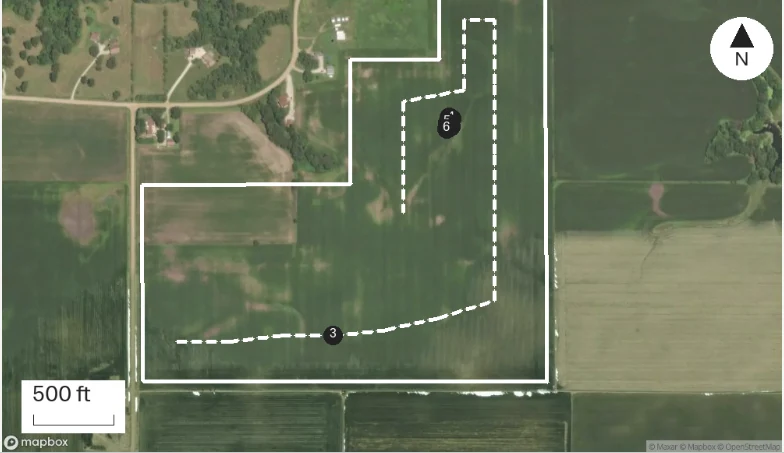
At a glance
Signed by Marcus Bell. Sent to Luis Ortega and to the landlord. Luis confirmed he received the report the same morning.
Observations
Signed by Marcus Bell. Sent to Luis Ortega and to the landlord. Luis confirmed he received the report the same morning.
After your review
Example account: Prairie Agronomy
Drawn or typed signatures
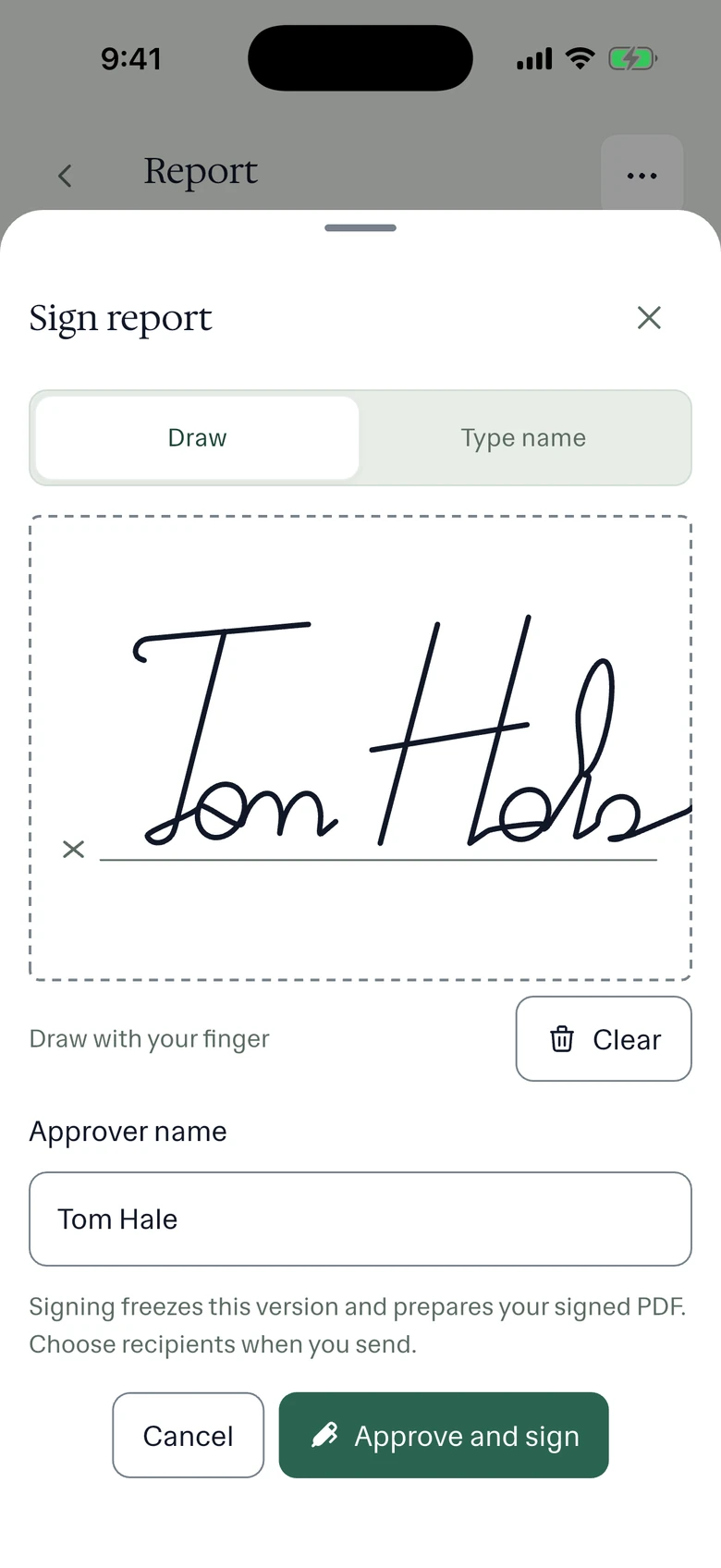
Open the draft on the phone or in the web app and read it against the recording if anything looks off. When you are satisfied, sign: draw your signature with a finger or a mouse, or type your name, and confirm the approver name. Signing freezes that version and prepares the signed PDF. Any later edit becomes a new version, and the signed one stays as it was.
On the phone this often happens in the truck before you leave the yard. The grower does not care whether you signed it at a desk.
The email the client receives
The send dialog starts with the place's contact already filled in. Add a team member from the list, type any other address, write a short message if it needs one, and switch on a copy to yourself. Each person gets their own email. It carries the report as a PDF for reading and as a Word file for anyone who needs to quote from it or file it in their own system. PDF and Word go together; nobody has to ask for the other one.
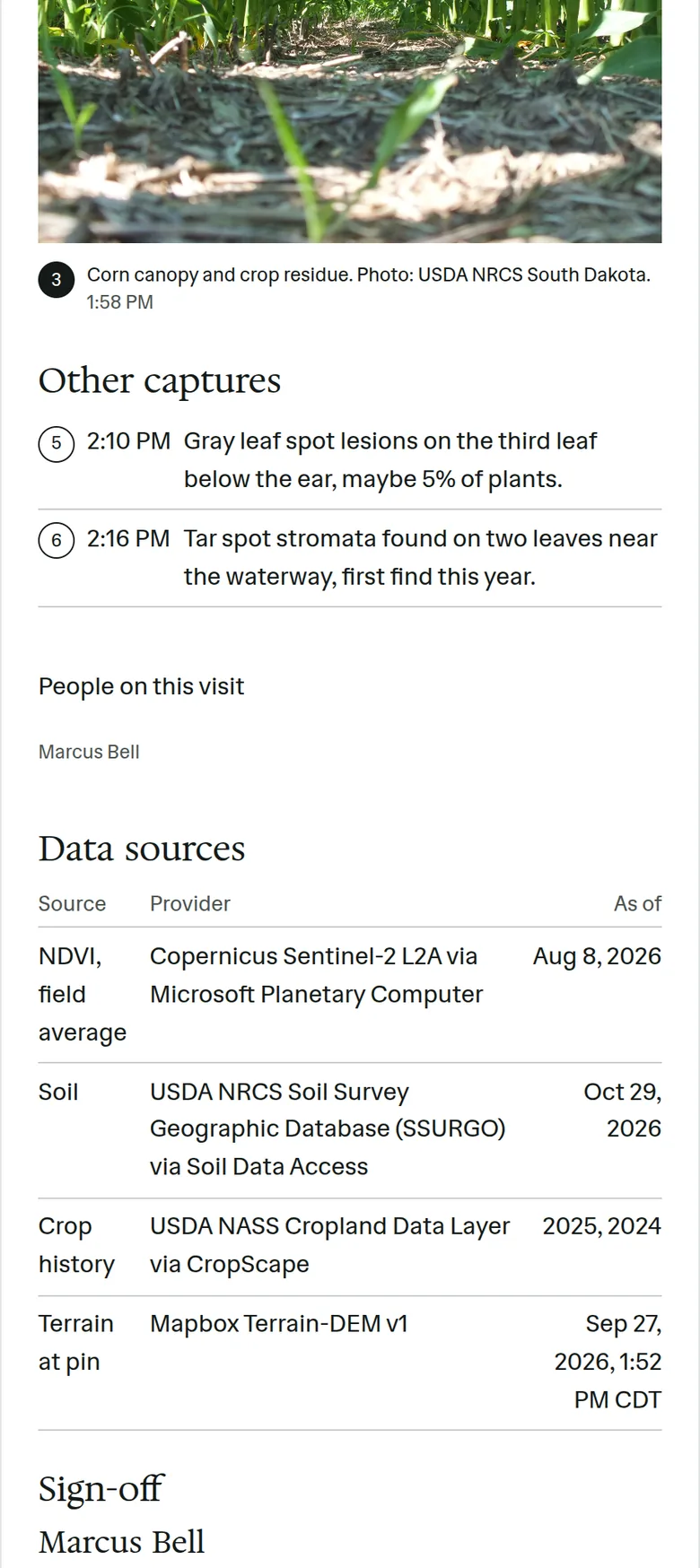
The PDF uses your team's report template, so it carries your logo and layout. It shows the field map with the visit's pins, the findings, the photos you picked and your signature block.
Receipt acknowledgment versus signature
The link in the email asks the recipient one thing: did you receive this report? When they confirm, the report records it with their name and the time. They do not create an account, they do not sign anything, and they are not agreeing with your recommendation. They are confirming it reached them.
If you need a client's legal signature on a document, use the tool you already use for contracts. What the acknowledgment gives you is narrower and, most of the time, more useful: proof that the person you advised saw the advice.
In the app
Example account: Prairie Agronomy
Questions about sign and send
Does the client need a PropelMapper account?
No. They read the attached files and confirm receipt from the link in the email. Growers and clients never pay to read a report.
Can the client sign the report?
No. The client can confirm they received it. The only signature on a PropelMapper report is yours.
Can I send the same report to several people?
Yes. Each send is recorded separately in the report's activity log, with the recipient's name and the time.
Who it’s for
Crop consultants and farm managers who send advice they may later need to show was received, ag lenders' inspectors, and anyone whose client reads reports on a phone in the cab rather than in an inbox at a desk.