

IntegrationsGmail
Gmail messages filed with each client’s farm
Connect your Gmail or Google Workspace mailbox to PropelMapper, and mail from your client contacts shows up on the places they own, next to the visits and reports, before you head out.

The question that came by email
A landowner writes on Monday: the tile outlet on the north side of the farm has been running cloudy since the rain, and could you look at it while you are out there. By Thursday that message is buried in your inbox, and the visit on your calendar says nothing about it.
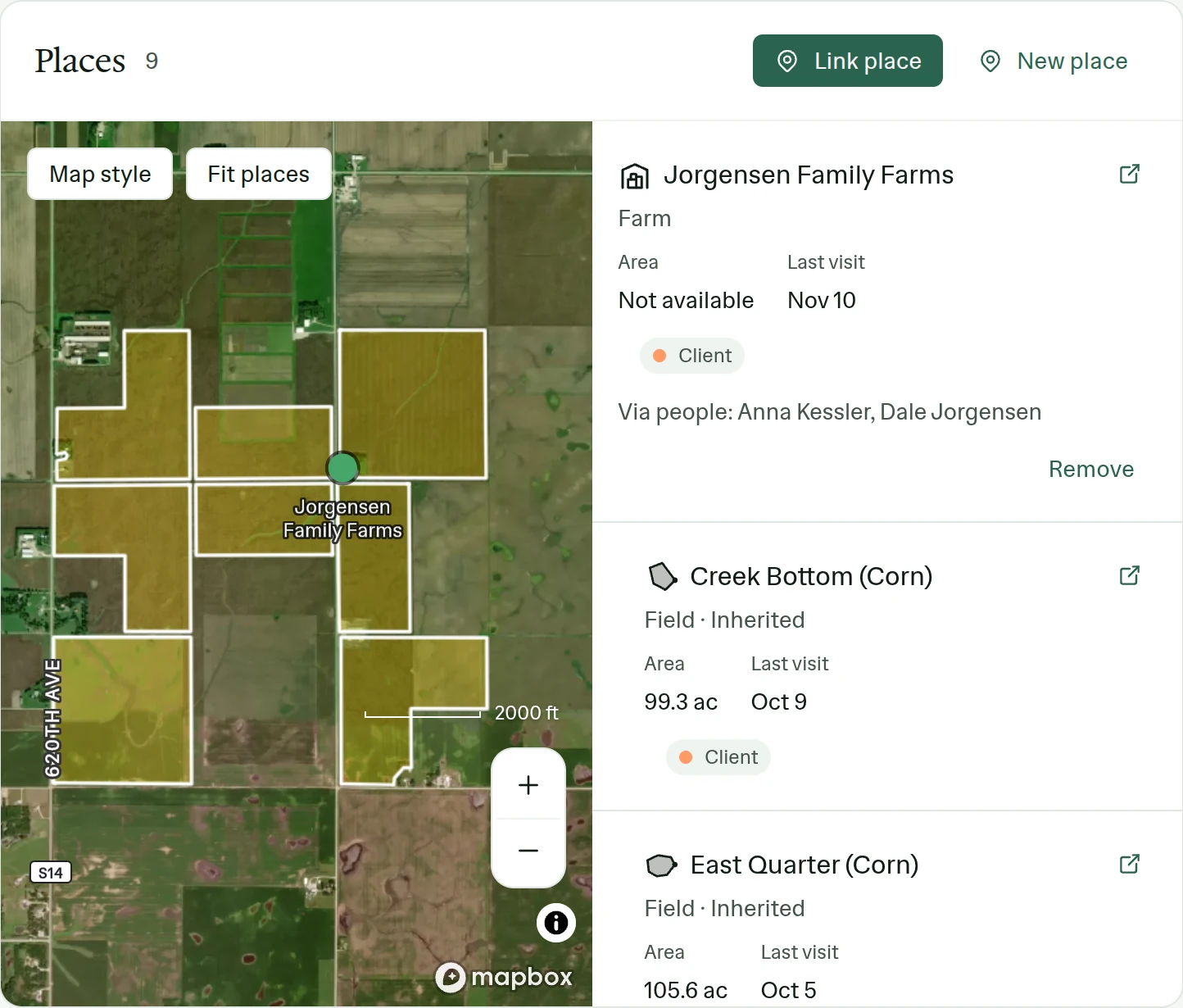
With Gmail connected, PropelMapper reads your mailbox and matches each message to your contacts by email address. The landowner’s address is on their contact, the contact is linked to the farm, so the email is filed on the farm. When you open the farm before the visit, the question sits with the earlier reports. If your team uses briefings, the spoken recap on the drive mentions it too.
At the outlet you photograph the water and say what you see. The report you send afterward answers the question the landowner asked, and the email and the answer stay together on the farm for whoever covers it next.
Mail from anyone who is not one of your contacts is never kept. Your bank, your family and the newsletters stay in Gmail, where they were.
Landowner’s question: the email, the visit, the reply
“North tile outlet, the one the landowner asked about in her email. Water is running cloudy after Tuesday’s rain, no erosion at the outlet yet. Photo from the ditch. I’ll tell her it needs watching, not fixing, for now.”
Landowner’s question - North tile outlet
At a glance
The landowner asked by email about cloudy water at the north tile outlet. At the visit the water was running cloudy after recent rain, with no erosion at the outlet. A photo was taken from the ditch.
The outlet should be checked again after the next heavy rain. No repair is recommended now.
Observations
The landowner asked by email about cloudy water at the north tile outlet. At the visit the water was running cloudy after recent rain, with no erosion at the outlet. A photo was taken from the ditch.
The outlet should be checked again after the next heavy rain. No repair is recommended now.
After your review
Example account: Prairie Agronomy
How a message finds its place
Each person connects their own mailbox, one per person, through Google’s sign-in, and the access is read-only. PropelMapper checks for new mail every five minutes. A message is kept when it is to or from one of your contacts, and it is filed on that contact’s places.
If a client writes from an address you don’t have, the message can’t be matched. Add the address to their contact, and later mail from it is filed. The Contacts page has an Unfiled mail view for the messages that have not landed on a place.
Turning Gmail on
We switch email sync on for a team, so ask us first. Then each person opens Settings, Integrations, chooses Gmail and signs in with Google. A personal Gmail address and a Google Workspace address connect the same way. During the first import you can watch how many emails have been checked and how many came from clients.
To stop, disconnect the mailbox in the same place. PropelMapper stops reading it, and mail already filed on your places stays there.
What the Gmail connection leaves alone
You still read and reply in Gmail. PropelMapper doesn’t send mail from your account, move or delete anything in your mailbox, or keep mail from people who aren’t your contacts. Mail filed on a place becomes part of that place’s record, so check who on your team can open the place before you connect a mailbox full of client threads.
Who it’s for
For advisors, farm managers and field teams whose clients ask questions by email and expect the answer in the next report. Each person on the team connects their own Gmail or Google Workspace mailbox.