

ProductWeather
Weather for every field visit, kept with the report
PropelMapper looks up the conditions at a place for the time of your visit and puts them in the report as a Field conditions section, so the weather behind a finding is still there when someone asks about it in March.

Why the weather at the visit matters later
A photo of yellow corn means one thing after a week of rain and something else after a dry spell. An adjuster, a lender or a grower reading a report months later almost always wants to know which it was, and nobody remembers.
On the draft report, Add to report, Weather looks up the conditions at that place for the time window of the visit: the temperature, rain, wind, humidity and the rain over the previous seven days. It goes in as a Field conditions section, next to the NDVI and soil snapshots if you add those too.
The snapshot is stored with the report. Opening the report next year shows the same numbers it showed on the day it was signed, not today's weather pulled in fresh. We think that is the only kind of weather that matters later: the weather written into the record.
Field conditions: what you said and what the report says
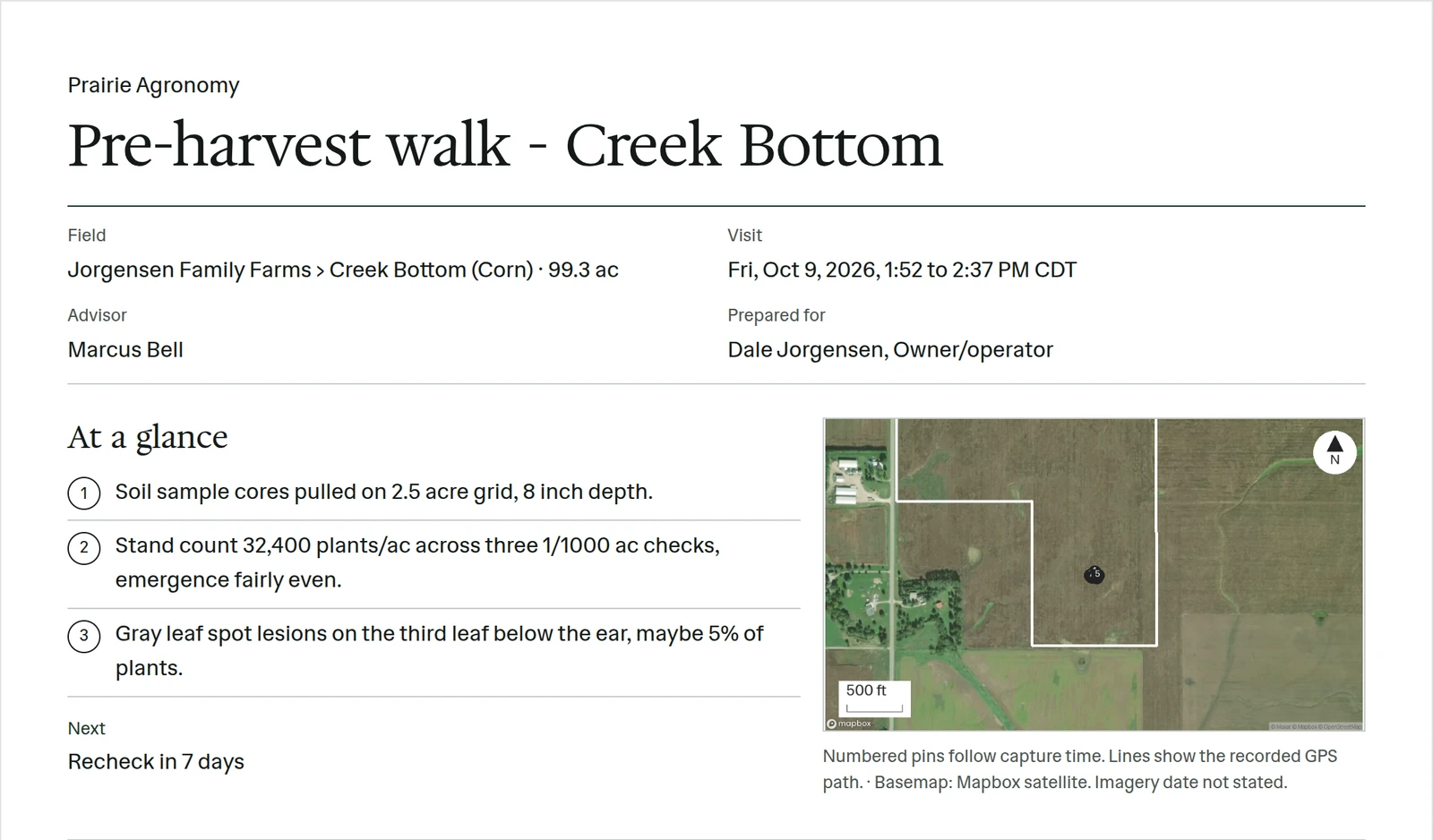
A scouting visit after a wet week, with the Field conditions section added to the report.
“Creek Bottom, south end is still standing wet from the weekend. Plants yellow in the low spots. I'll come back once it dries out.”
Field conditions - Creek Bottom
At a glance
Standing water remained at the south end after weekend rain; yellowing in low spots. Field conditions at the visit, including the previous week's rain, are recorded below.
Recheck planned once the field dries.
Observations
Standing water remained at the south end after weekend rain; yellowing in low spots. Field conditions at the visit, including the previous week's rain, are recorded below.
Recheck planned once the field dries.
After your review
Example account: Prairie Agronomy
Forecast before a field visit
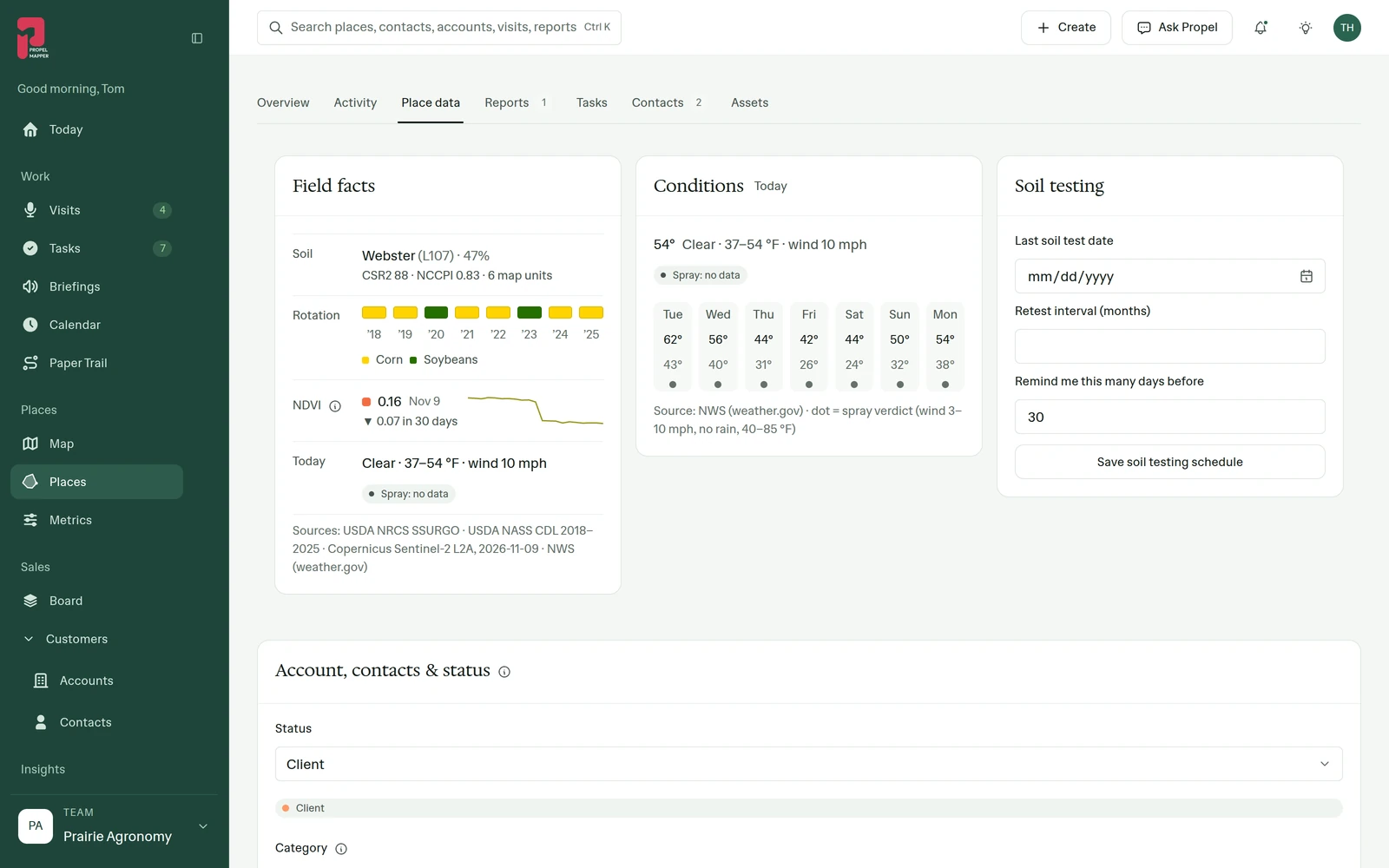
Each place's Site data tab shows the current conditions and the days ahead, next to its soil and NDVI. It is enough to decide whether today is a walking day or a spraying day without leaving the app.
In the app
Example account: Prairie Agronomy
Questions about the weather
Does the weather on an old report change?
No. The Field conditions section is a stored snapshot from the visit. It is not fetched again when someone opens the report.
Who it’s for
Agronomists and farm managers whose findings depend on recent rain, crop insurance adjusters documenting conditions at inspection, and applicators who need the wind on record.